Pinecone
Prerequisite
- Register an account for Pinecone
- Click Create index
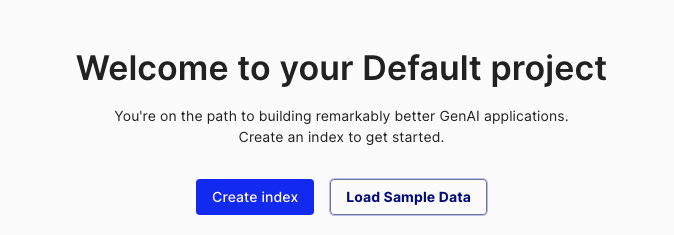
- Fill in required fields:
- Index Name, name of the index to be created. (e.g. "akilibot-test")
- Dimensions, size of the vectors to be inserted in the index. (e.g. 1536)
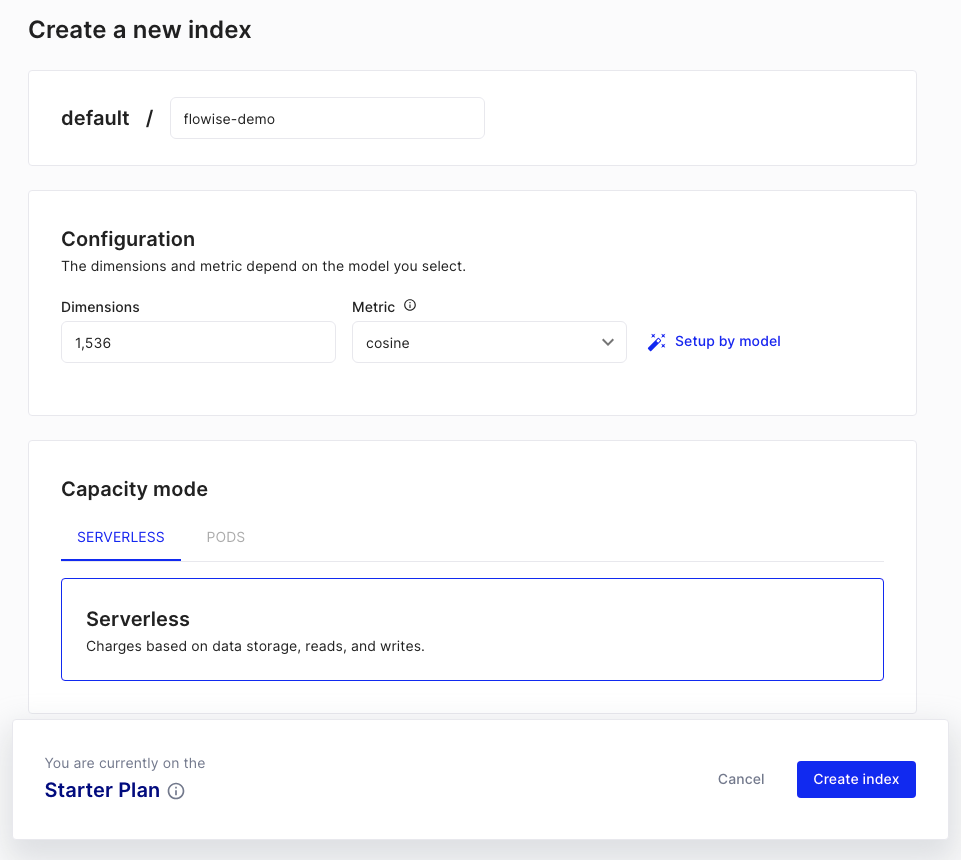
- Click Create Index
Setup
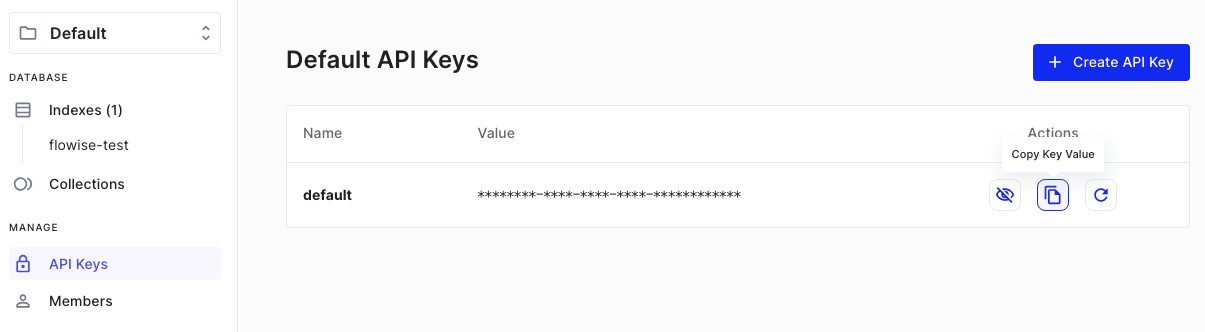
- Get/Create your API Key
- Add a new Pinecone node to canvas and fill in the parameters:
- Pinecone Index
- Pinecone namespace (optional)
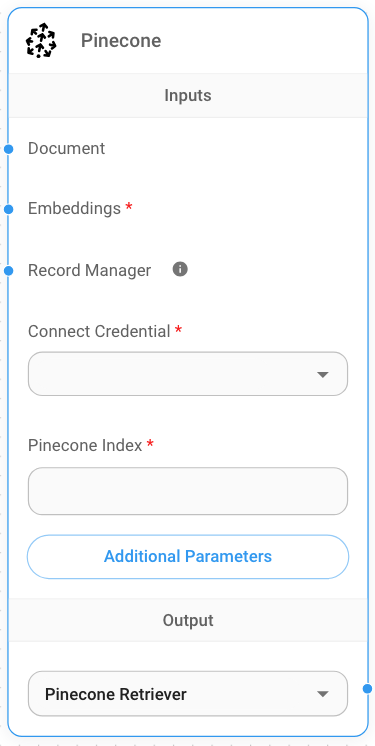
- Create new Pinecone credential -> Fill in API Key
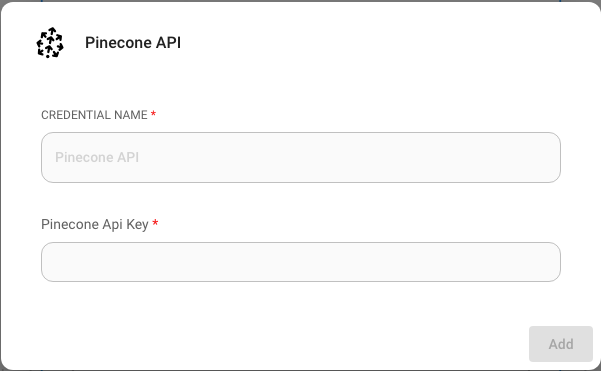
- Add additional nodes to canvas and start the upsert process
- Document can be connected with any node under Document Loader category
- Embeddings can be connected with any node under Embeddings category
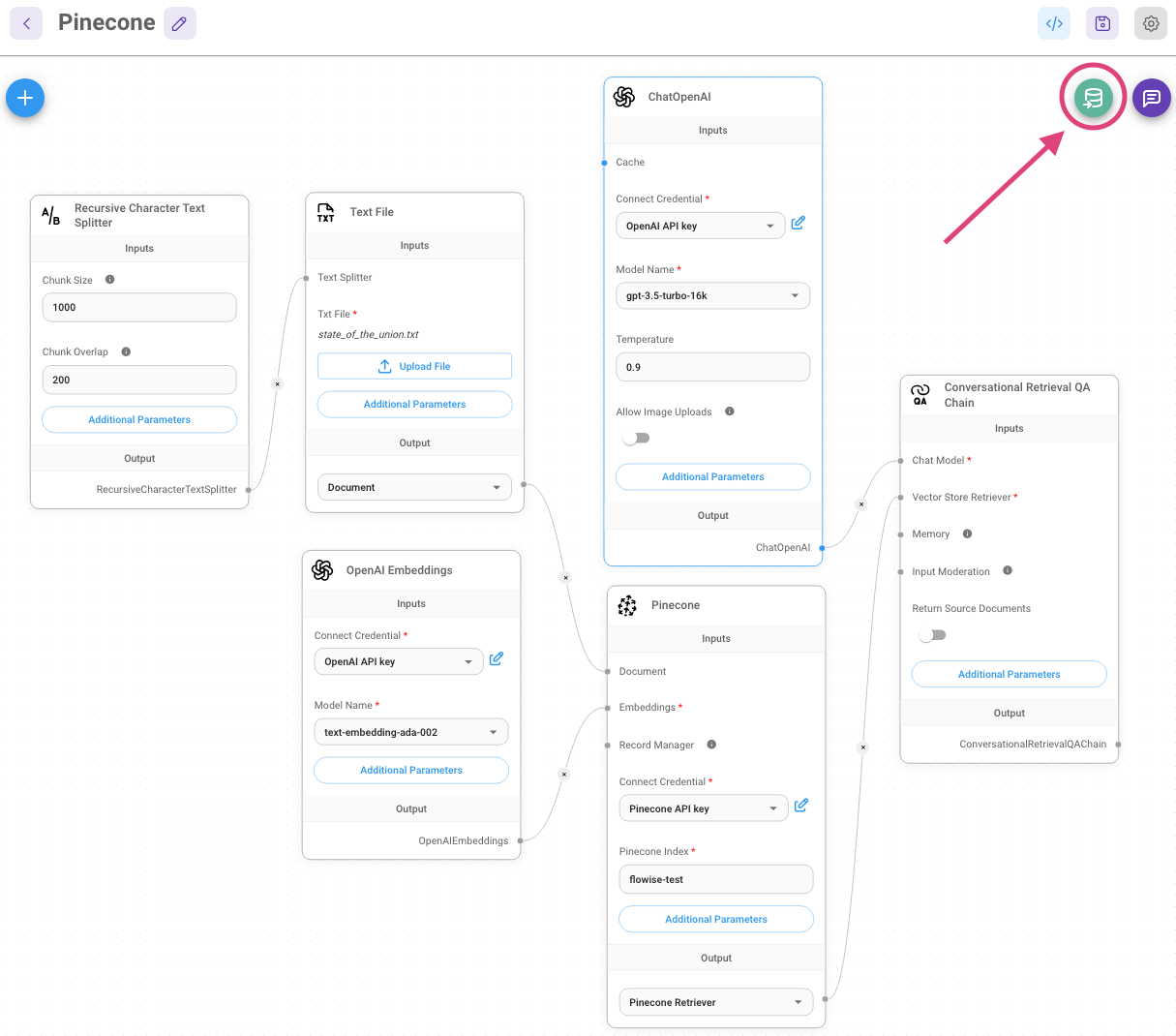
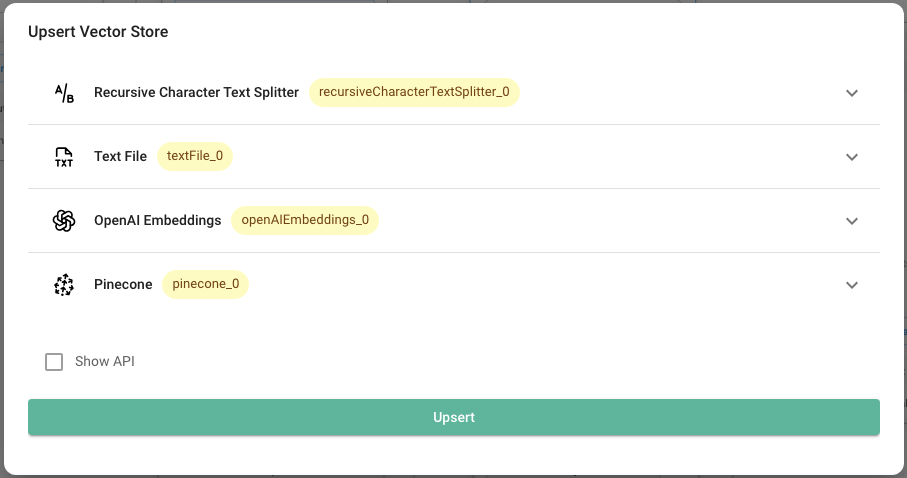
- Verify from Pinecone dashboard to see if data has been successfully upserted:
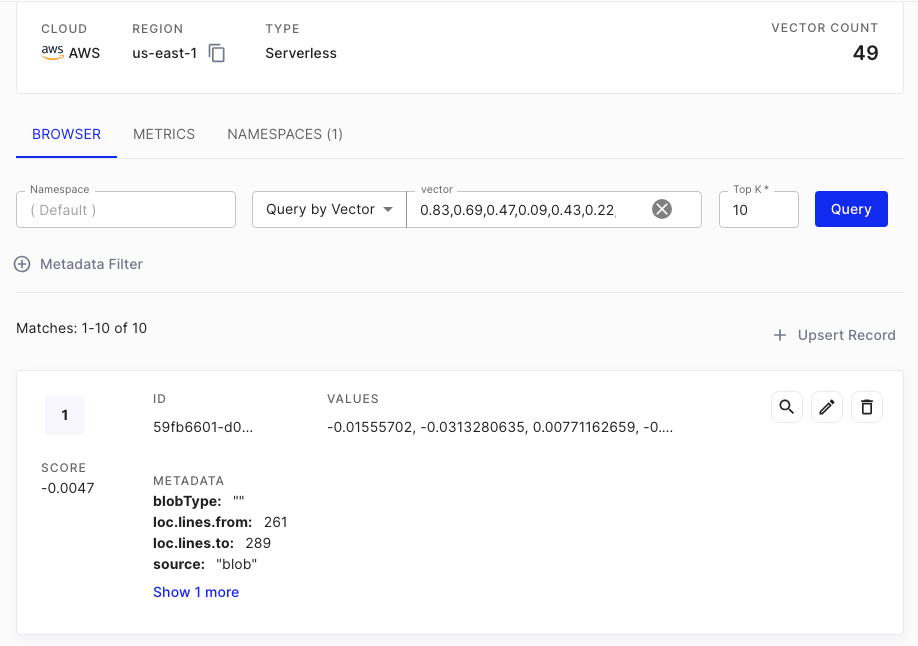
6.
Resources
- LangChain Pinecone vectorstore integrations
- Python
- NodeJS
- Pinecone LangChain integration
- Pinecone official clients