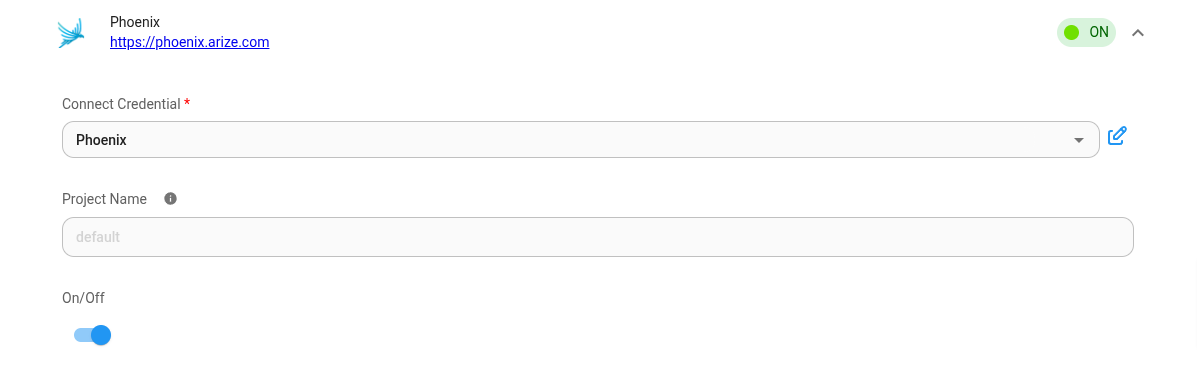
Phoenix
Phoenix is an open-source observability tool designed for experimentation, evaluation, and troubleshooting of AI and LLM applications. It is available as a cloud service from Arize.
Setup
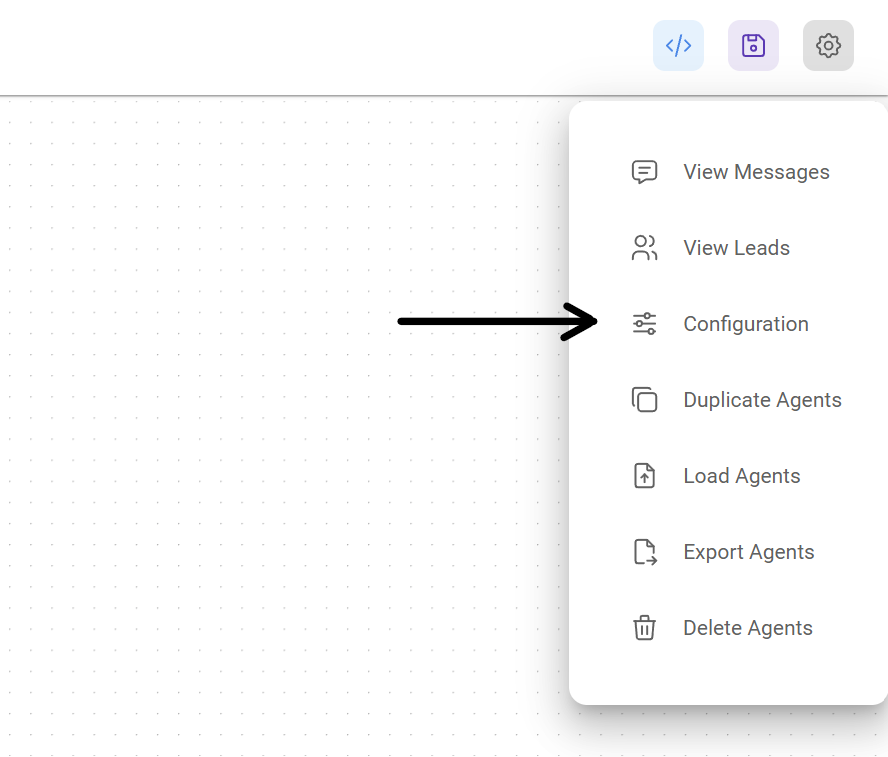
- At the top right corner of your Chatflow or Agentflow, click Settings > Configuration
- Then go to the Analyse Chatflow section
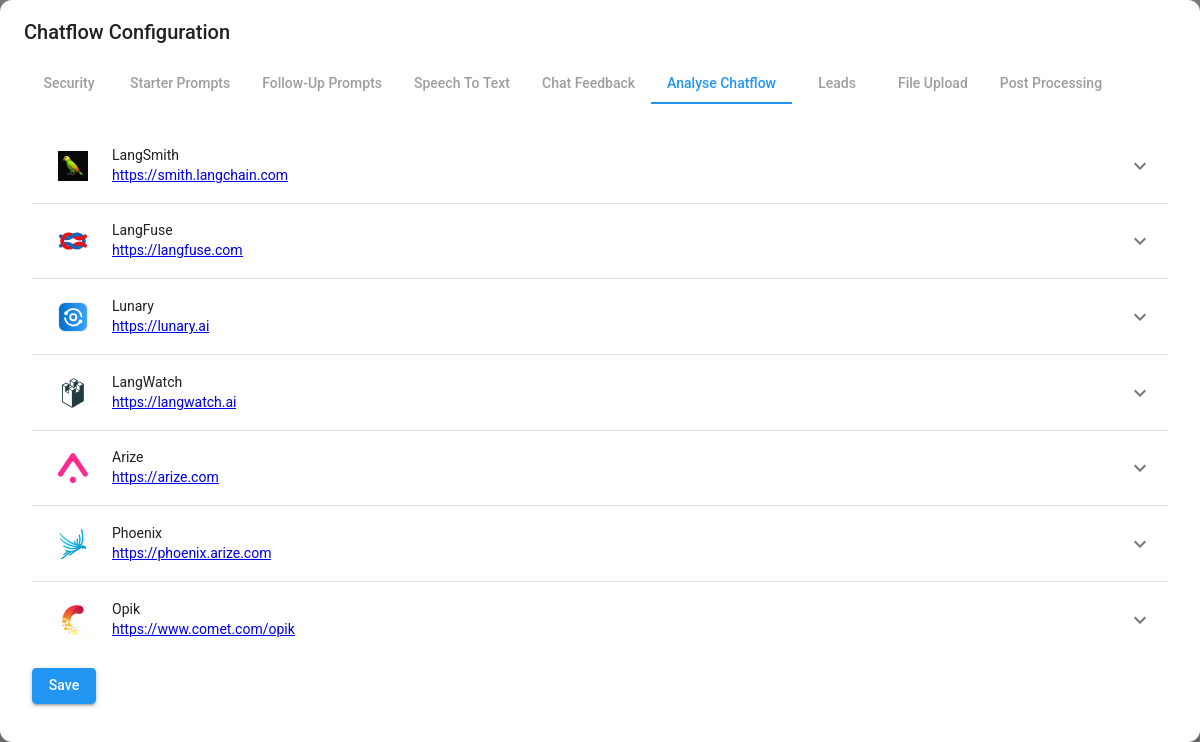
- You will see a list of providers, along with their configuration fields. Click on Phoenix.
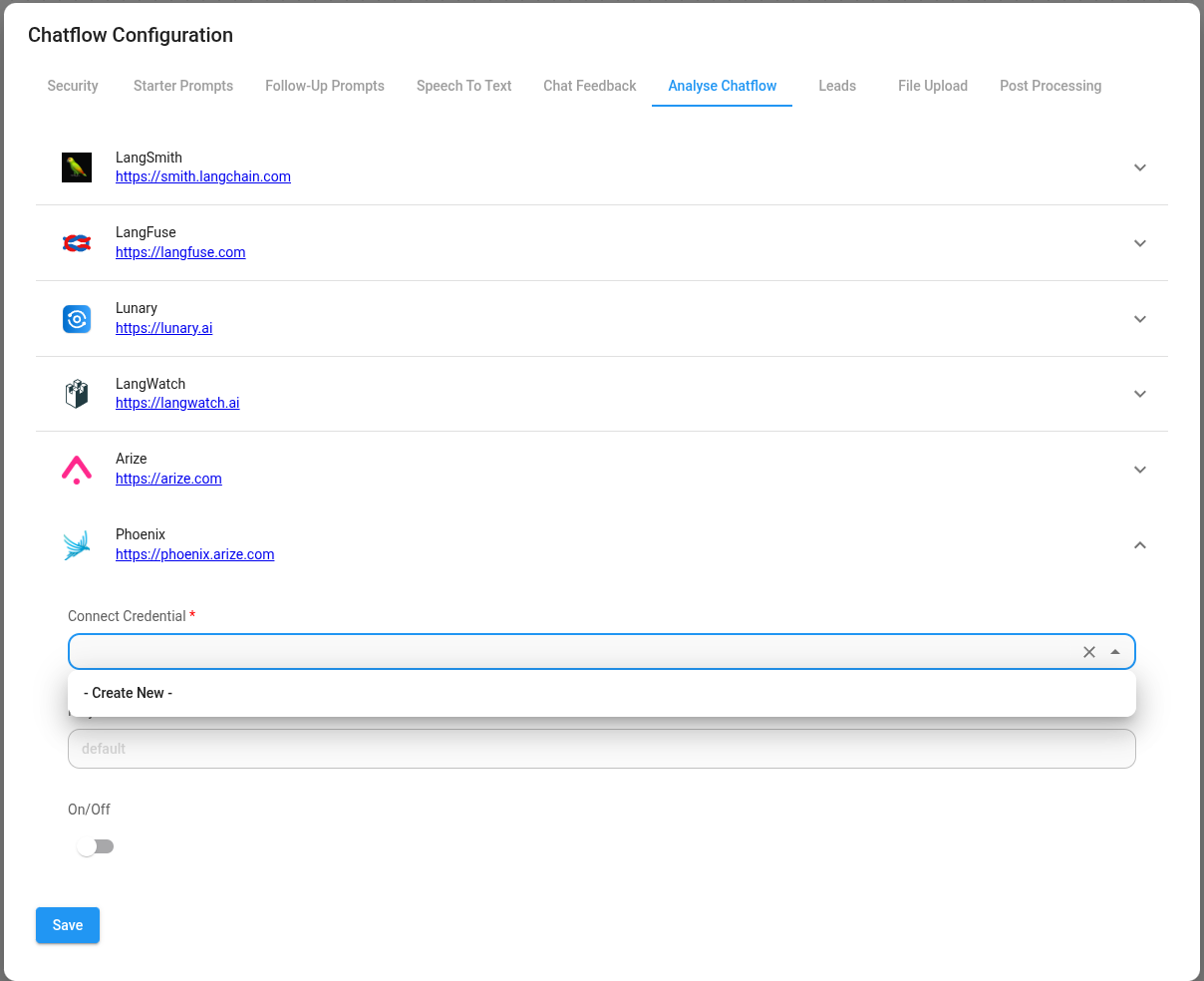
- Create credentials for Phoenix. Refer to the Pofficial guide](https://docs.arize.com/phoenix/environments) on how to get the Phoenix API key.
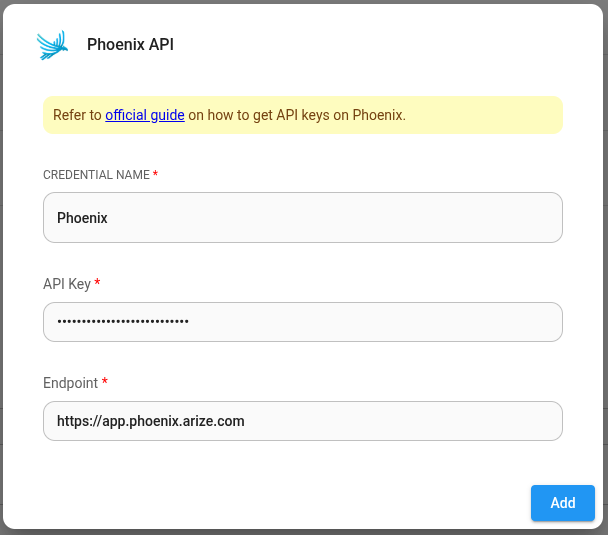
- Fill in other configuration details, then turn the provider ON. Click Save.